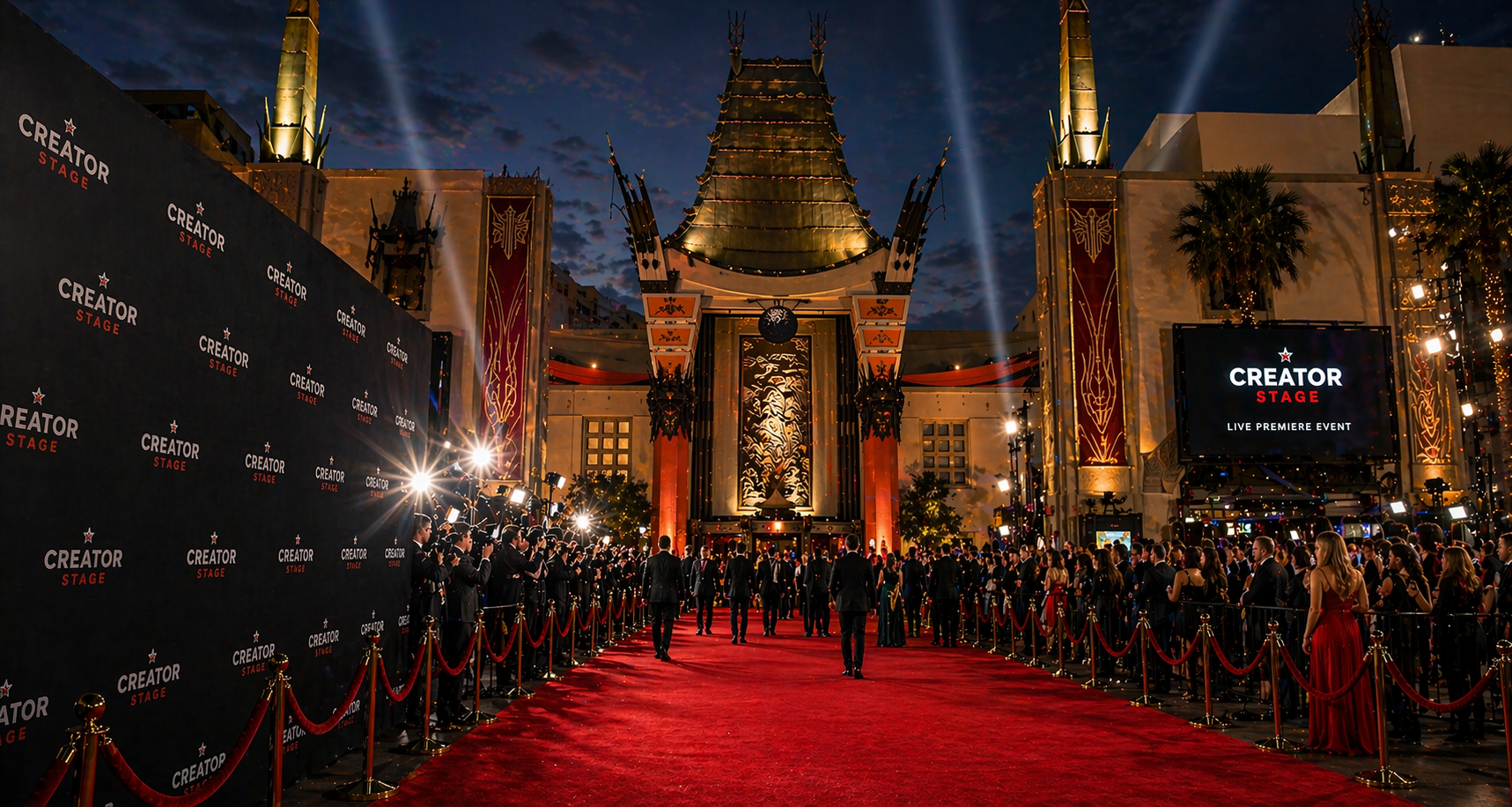
& Events
Choose the Experience
Select whether you are hosting a premiere, screening, launch night, listening party, live conversation, workshop, or fan event.
Add Media & Access
Include images, trailers, video links, ticket links, livestream links, replay access, merch, fundraiser links, and audience instructions.
Promote & Go Live
Your premiere or event can appear on CreatorStage with a cinematic page, CTA buttons, viewer access details, and promotional links.
Set the Premiere
Free, ticketed, private, or limited release. Set pricing, audience access, and connect your store or fundraiser.
Build Anticipation
Add a trailer, poster image, countdown copy, creator statement, social links, merch links, or fundraiser button before the premiere goes live.
Control Distribution
Keep it exclusive, run a limited window, or move it into the CreatorStage subscription pool when you decide.

Premiere on the Big Screen. Anywhere.
Your premiere can feel like a launch party and a home-screen experience at the same time. Audiences can gather for a watch party, stream from home, or enjoy your film, episode, or show on their big TV.
Host a Premiere or Event
Submit your premiere or event details. Set access, pricing, and distribution — and connect your store or fundraiser.
moves into wider distribution.
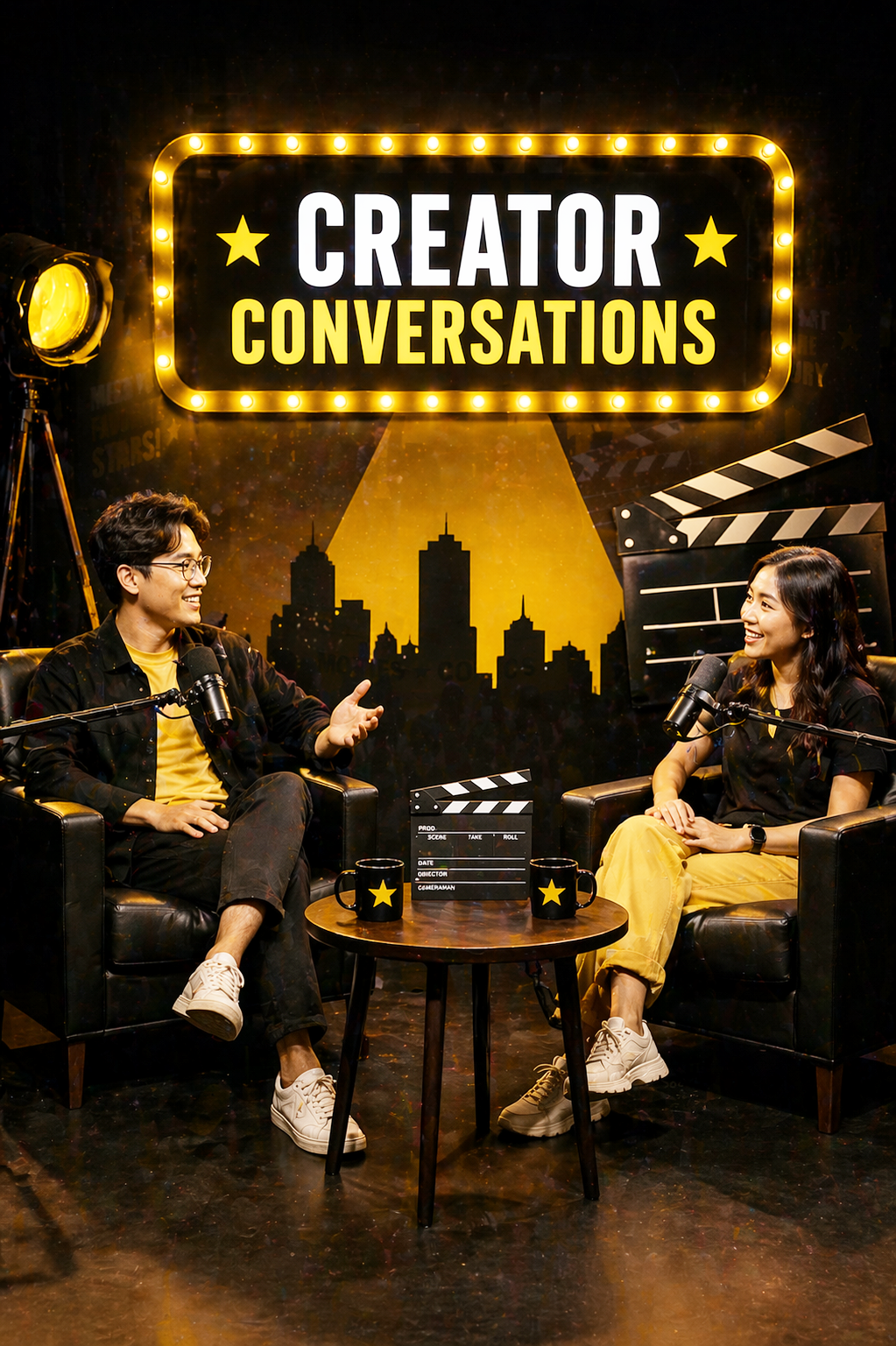
Built for Creators
Use premieres and events to control release timing, audience access, and monetization before wider distribution, or stream here.Ready to Host?
Fill out the creator setup form and we’ll use your details to prepare your CreatorStage premiere or event page. You can include ticket pricing, access links, images, videos, shop links, fundraiser links, replay options, and audience instructions.
Open Creator Form → View Public Events